



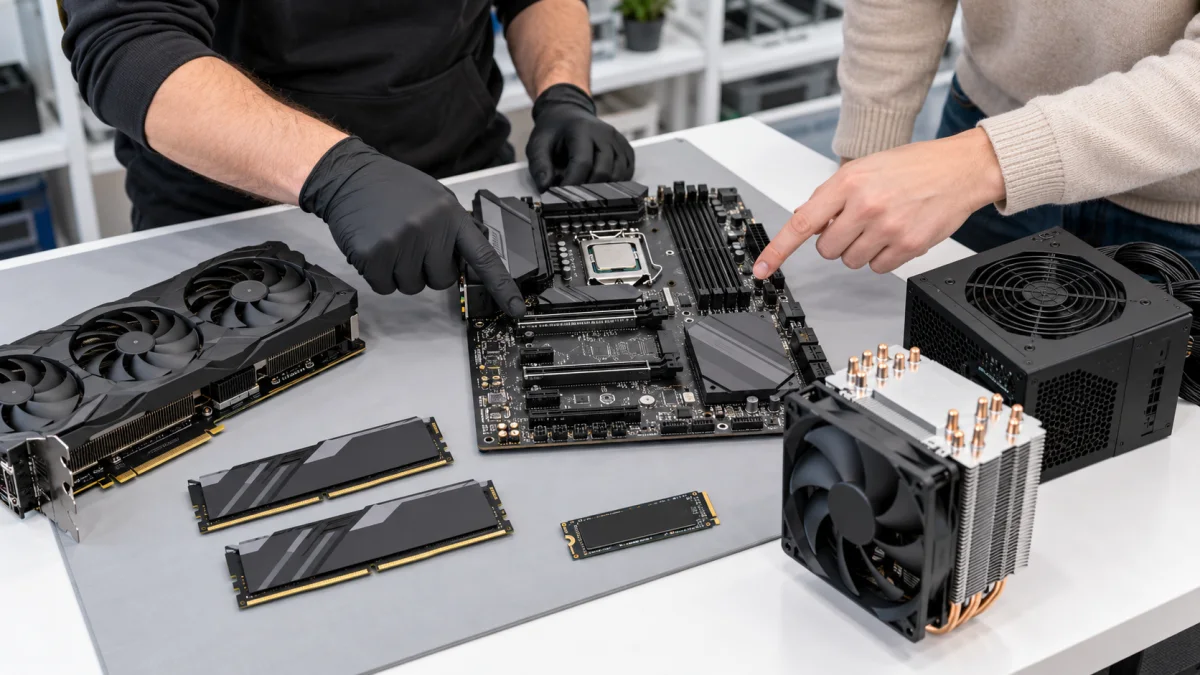
Prepare your goal, budget and current component list
Send the model or component list, main tasks and budget. For games, name the titles and monitor resolution; for work, name the applications.
If replacing a part because of a fault, describe the symptom. Purchase advice does not replace diagnostics or prove which part has failed.
How we can help
We compare options against motherboard, power-supply, case and cooling limits. We discuss which component should reasonably take priority for your tasks.
We explain what can be kept, what needs extra work and where extra spending is unnecessary. Installation and testing can be agreed as a next service.
Price and what the service includes
Consultation scope and price depend on the task. A part recommendation does not automatically include purchase, delivery, installation, Windows or testing a faulty system.
What to send or bring
Send tasks, budget and existing component or device models. Add links to parts you are considering. You do not need to buy or disassemble anything before speaking with us.
How we handle it
-
01
Clarify the goal, budget and current configuration.
-
02
Check limitations and compatibility.
-
03
Discuss suitable options and trade-offs.
-
04
If wanted, agree installation or assembly separately.
FAQ
Can you advise on a part from another shop?
Yes. Send the exact model or link and current configuration. We assess compatibility and suitability for your tasks.
Is an upgrade or a new PC better?
It depends on age, condition, goals and budget. We discuss both instead of assuming more parts are always better.
Does consultation include installation?
Not automatically. Selection, purchase and installation are different activities with separately agreed scope.